
Screenshots

App details
- Updated
- Jun 25, 2024
- Language
- English,Spanish
- Developer
- STEMpedia
- Category
- Mobile
SoftPas in:
This product is also available in the following languages:
About PictoBlox
Download PictoBlox – coding for kids, learn coding, kids coding app, educational app for children, coding games
Overview
PictoBlox is a mobile application designed to introduce children to the fundamentals of coding through interactive, game-based learning. The app blends education with entertainment, enabling young learners to grasp core programming concepts without realizing they are studying. By transforming coding into a playful experience, PictoBlox addresses the common challenge of making technical subjects accessible and engaging for younger audiences. Its primary purpose is to build early computational thinking, logical reasoning, and problem-solving skills through visual, block-based programming.
The target users are children aged 6 to 12, particularly those new to programming or educators seeking a simple, intuitive tool for classroom or home use. The app’s design emphasizes simplicity, with color-coded code blocks and drag-and-drop mechanics that eliminate the need for typing or syntax knowledge. This approach supports inclusive learning, allowing children with varying levels of digital literacy to participate equally.
Real-world use cases include creating simple animations, designing interactive stories, and building basic games—all while learning sequencing, loops, conditionals, and event handling. PictoBlox also supports hands-on learning through integration with Arduino, enabling kids to connect digital code with physical projects. This bridges the gap between virtual and tangible creation, fostering deeper understanding of how software controls hardware.
As part of the growing educational technology ecosystem, PictoBlox fills a critical niche by making coding accessible, enjoyable, and developmentally appropriate for young learners. Its focus on experiential learning aligns with modern pedagogical trends that prioritize engagement over rote memorization.
Key Features & Functionality
PictoBlox offers a suite of features tailored to support structured yet playful coding education for children. The app’s core functionality revolves around a visual, block-based programming environment that simplifies the coding process. Each programming action is represented by a distinct color-coded block, allowing children to understand the purpose of each command at a glance.
- Kid-Friendly Interface: The layout is designed with young users in mind, featuring large, clearly labeled blocks and intuitive drag-and-drop mechanics. This reduces cognitive load and allows children to focus on logic rather than syntax.
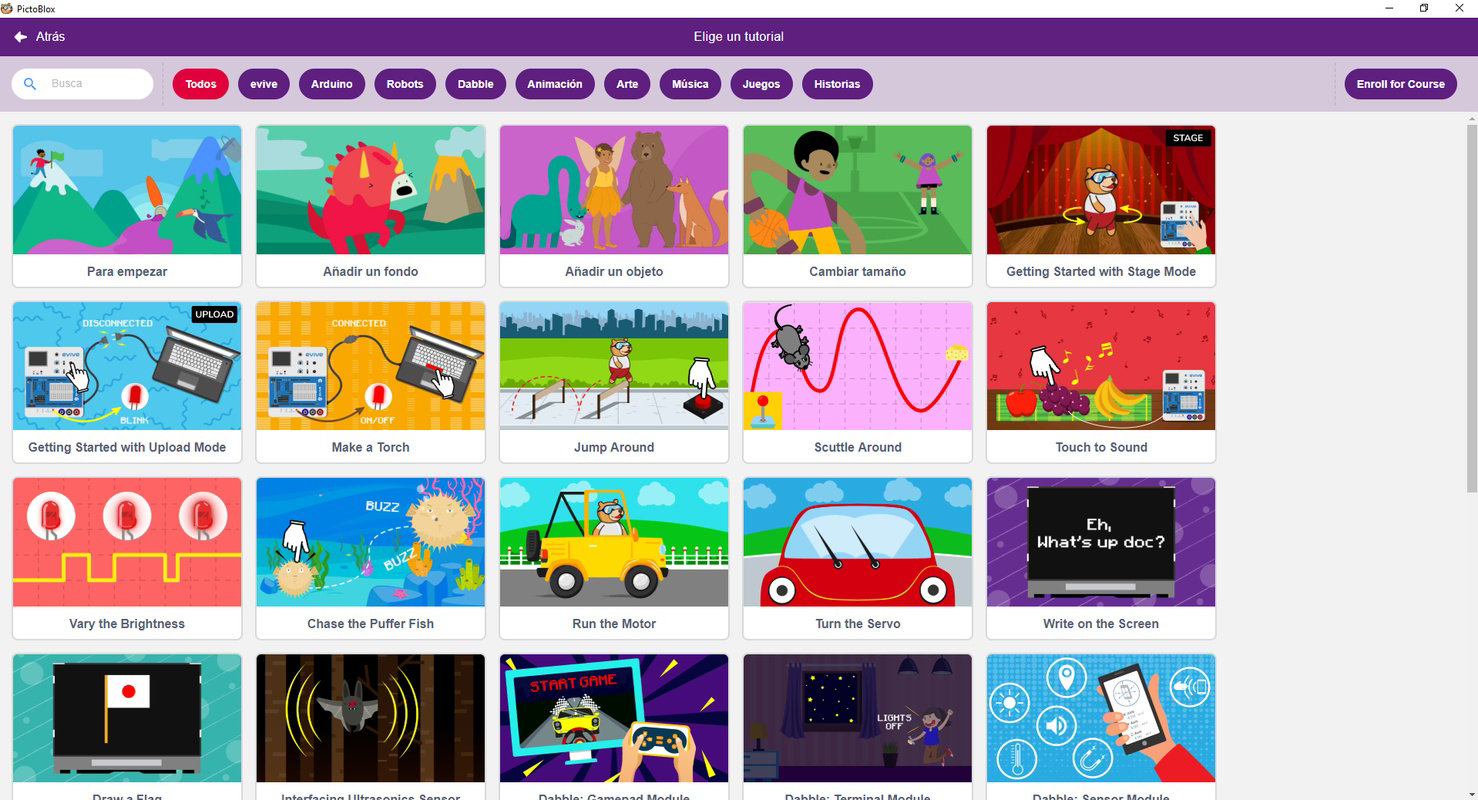
- Tutorials and Templates: Built-in guided tutorials walk users through step-by-step processes to create specific projects, such as animated characters or simple games. These templates serve as both learning tools and inspiration for independent creation.
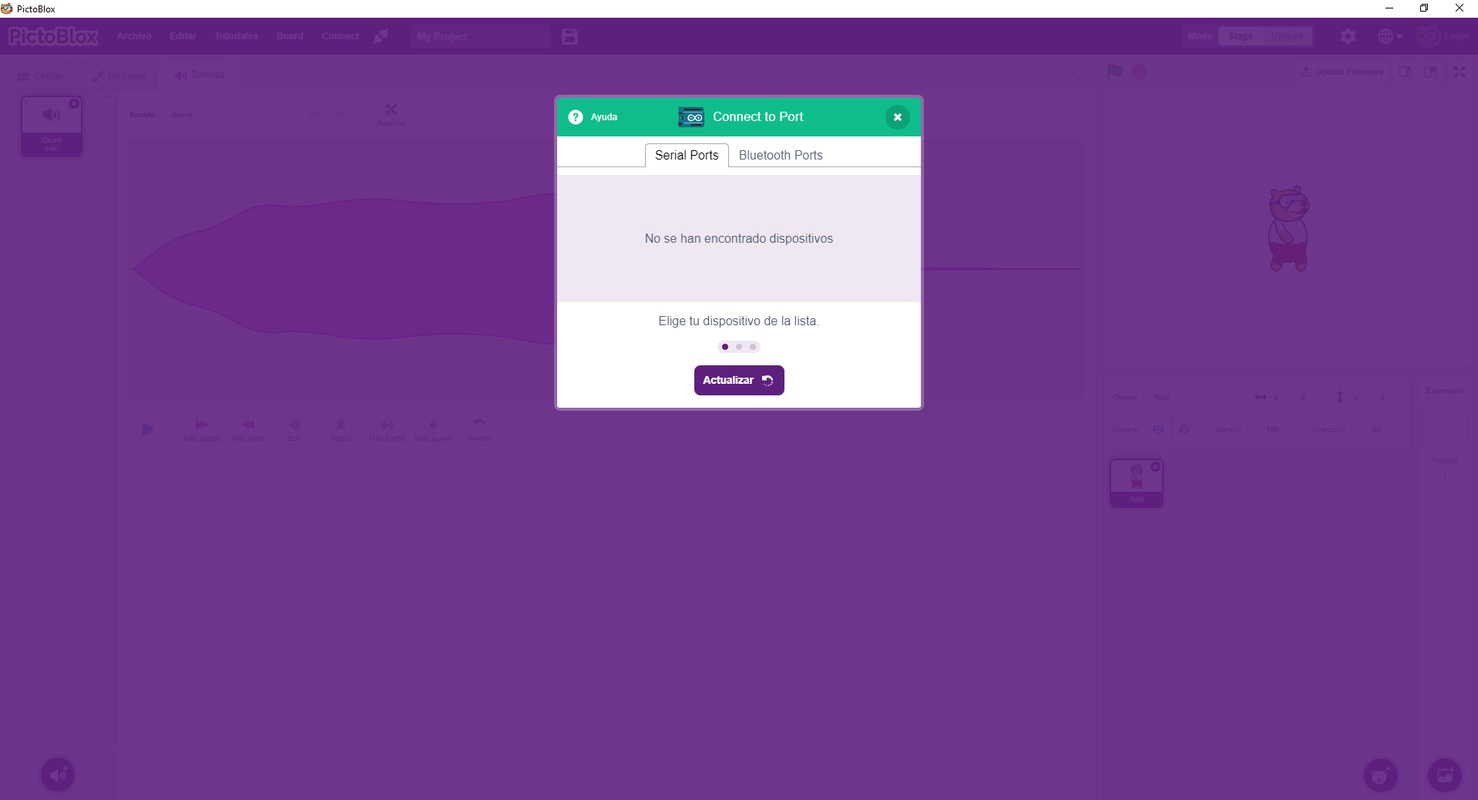
- Arduino Integration: The app enables young learners to program Arduino devices, allowing them to control physical components like LEDs, sensors, and motors. This feature supports STEM education by connecting abstract code to real-world applications.
- Game-Based Learning: Coding concepts are taught through the creation of kid-friendly games. For example, a child might code a character to jump over obstacles, reinforcing the use of loops and conditional statements in a fun context.
- Progressive Learning Path: The app guides users from basic commands to more complex structures, supporting skill development over time without overwhelming the learner.
These features collectively create a low-barrier entry point into programming. A child can start by following a tutorial to make a bouncing ball animation, then modify the code to add sound effects or change colors—developing both creativity and logical thinking in the process.
Interface, UX & Performance
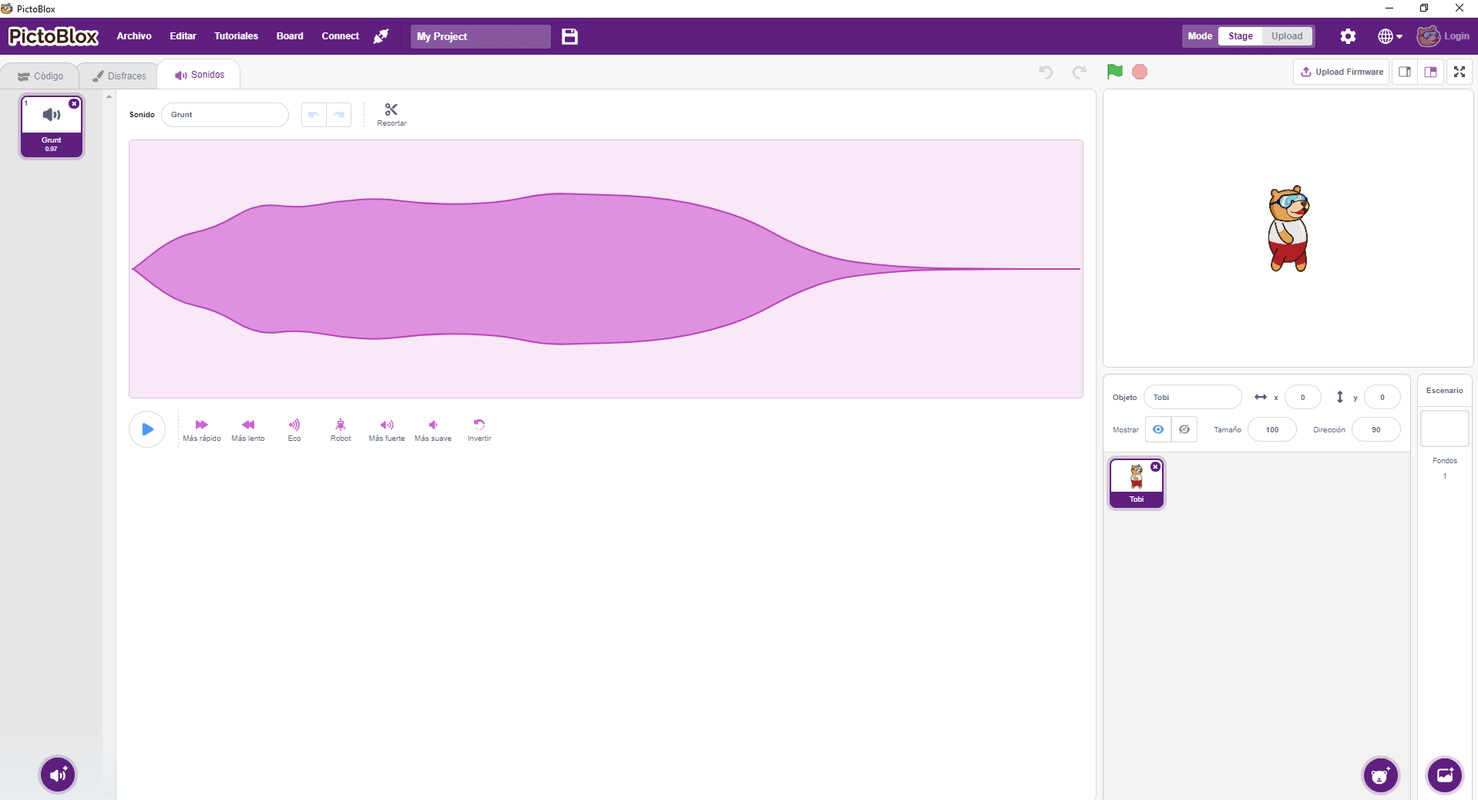
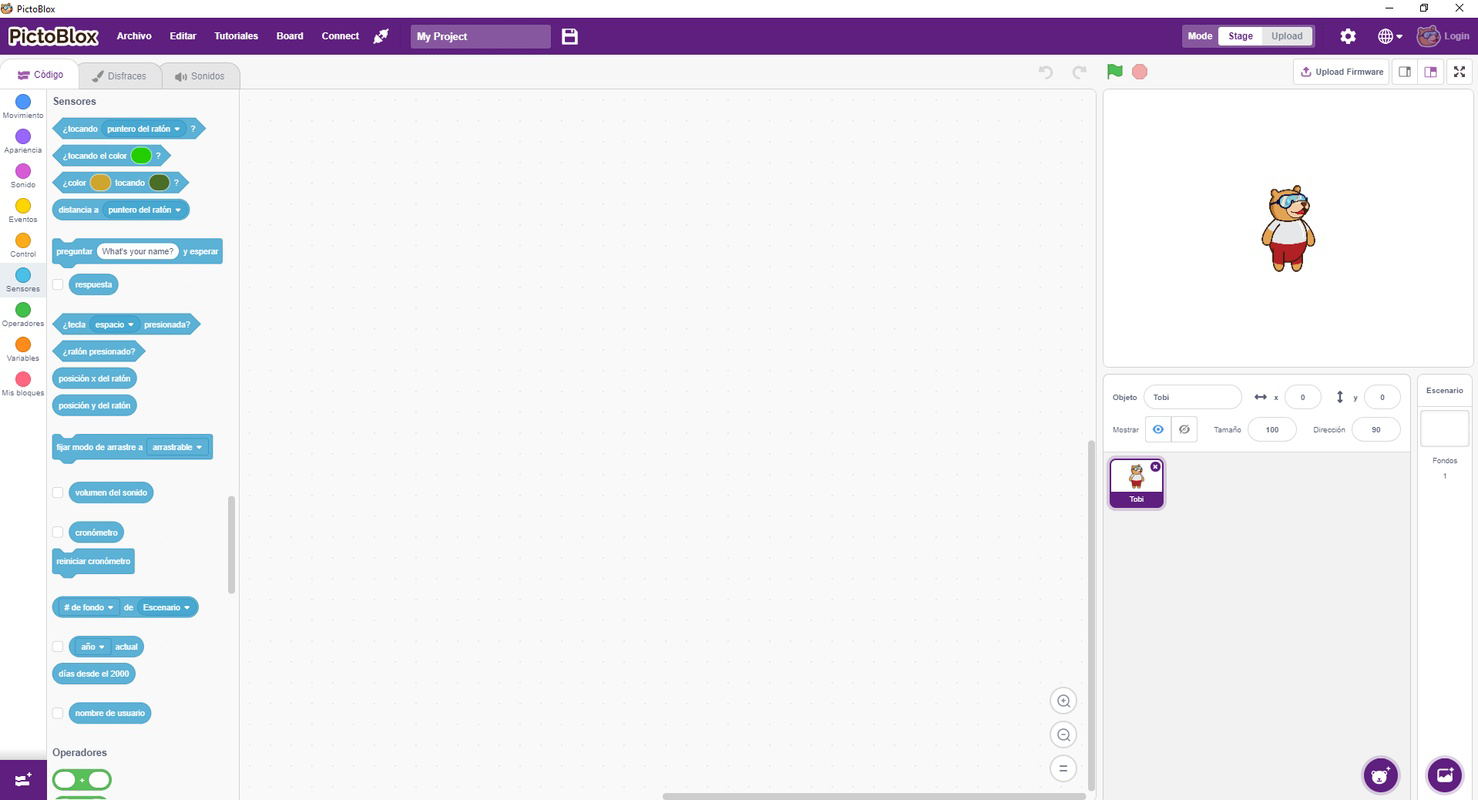
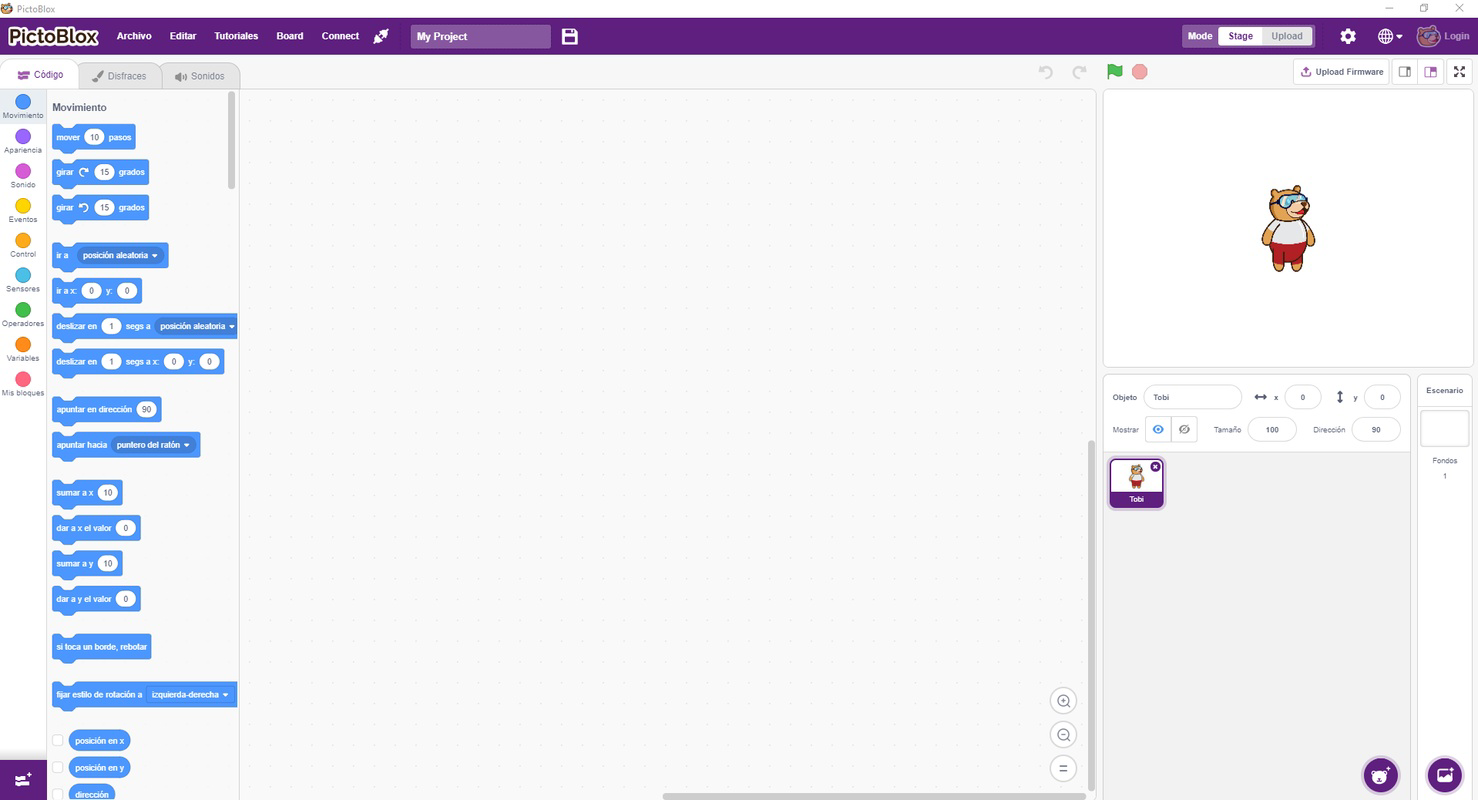
The user interface of PictoBlox is clean, colorful, and highly intuitive, optimized for young users with limited experience in digital tools. The layout features a central workspace where code blocks are arranged and executed, flanked by a toolbar with categorized blocks such as motion, control, and sensing. The use of vibrant colors and simple icons enhances visual recognition, reducing the need for reading skills.
Navigating the app is straightforward. Users can drag blocks from the sidebar into the workspace, snap them together, and run their project with a single tap. The real-time feedback during execution helps children understand cause-and-effect relationships in programming. For instance, when a character doesn’t move as expected, the visual cue encourages troubleshooting.
Although the developer did not list formal performance metrics, the app’s lightweight design—88 MB in size—suggests efficient resource usage. It is likely to run smoothly on mid-range Android devices, supporting consistent responsiveness during coding sessions. Stability appears to be prioritized, as the app avoids complex animations that could lead to lag during execution.
For younger users, the app’s interface minimizes distractions and maintains focus on the learning objective. The absence of ads or in-app purchases (as implied by the free pricing model) further enhances usability. Overall, the UX design reflects a deep understanding of child-centered interaction, making it easy for kids to explore, experiment, and learn independently.
Platform Compatibility & Technical Requirements
PictoBlox is available exclusively on the Android platform. The current version is 1.2.1, with a file size of 88 MB. This compact size suggests that the app is optimized for devices with limited storage, making it accessible to a wide range of users, including those with budget smartphones.
The developer did not specify minimum OS requirements or device compatibility details. However, given the app’s lightweight nature and focus on visual programming, it is likely compatible with Android 5.0 and above. Users should ensure their device supports the necessary permissions for accessing sensors and external hardware when using Arduino features.
As the app is free to download and install, it lowers the barrier to entry for families and educators seeking affordable educational tools. The absence of a price tag indicates a commitment to accessibility, particularly in under-resourced learning environments.
Pros and Cons
- Intuitive, child-friendly interface with drag-and-drop coding
- Engaging, game-based learning approach that promotes sustained interest
- Integration with Arduino enables hands-on STEM projects
- Free to download and use, with no in-app purchases
- Structured tutorials and templates support self-paced learning
- Platform availability limited to Android only
- Specific OS version requirements were not disclosed
- Advanced programming concepts may be underdeveloped for older learners
- No visible social or collaborative features for sharing projects
- Performance on low-end devices not officially tested
FAQ
Is PictoBlox safe for children?
Yes, the app is designed with children in mind and does not include ads, in-app purchases, or external links. Its content is focused solely on educational coding activities.
Can I use PictoBlox without an Arduino device?
Yes, the app functions fully without any external hardware. The Arduino feature is optional and only required if you wish to connect physical devices.
Is PictoBlox available on iOS?
Currently, the app is only available on Android. There is no official iOS version mentioned in the provided details.
How often does PictoBlox receive updates?
The developer has not disclosed update frequency. However, the app’s version is 1.2.1, indicating ongoing development and maintenance.
Does PictoBlox require an internet connection?
Basic coding functions can be used offline. However, some features like accessing online tutorials or sharing projects may require an internet connection.
Final Thoughts
PictoBlox stands out as a thoughtful and effective educational tool that successfully merges fun and learning. Its visual programming interface, combined with real-world applications through Arduino, makes it a rare example of a mobile app that teaches both digital and physical problem-solving. The emphasis on engagement ensures that children remain motivated, while the structured learning path supports steady progress.
Parents, teachers, and caregivers looking for a secure, free, and intuitive way to introduce coding to young minds will find PictoBlox to be an excellent choice. Whether used in classrooms or at home, it empowers kids to become creators, not just consumers, of technology.
Download PictoBlox now
Guides & Tutorials
How to install PictoBlox
- Click the Download button above.
- Once redirected, accept the terms and click Install.
- Wait for the PictoBlox download to finish on your device.
How to use PictoBlox
This software is primarily used for its core features described above. Open the app after installation to explore its capabilities.
User Reviews
No reviews yet. Be the first to share your experience.
You may also like
more
Que no te pillen¡
About !Que no te pillen¡Reviewed by Jason A. BilbreyShow MoreShow Less

3D Combat Zone
About 3D Combat ZoneOriginally released in 1983, 3D Combat Zone immerses players...

666: El día del portal
About 666: El día del portalOn June 6, 2006, Agent P. Stone uncovers a sinister...

80 in 1 Best Flash games
About 80 in 1 Best Flash games 80 in 1 Best Flash games is a collection of 80 fl...

ABYSS SEEKERーーWhat Do You See Deep in The Abyss
About ABYSS SEEKERーーWhat Do You See Deep in The AbyssIn ABYSS SEEKER, players...

ACA NEOGEO THE KING OF FIGHTERS 2002 for Windows
About ACA NEOGEO THE KING OF FIGHTERS 2002 for WindowsTHE KING OF FIGHTERS 2002,...